
Write
IntelliSense, multi-cursor editing, and the languages you already use.
Powered by Gunamaya
Development, automation, and testing in one window. Build the website, the API, the desktop app, or the mobile app. Then check that it actually works.
By downloading, you agree to the license.
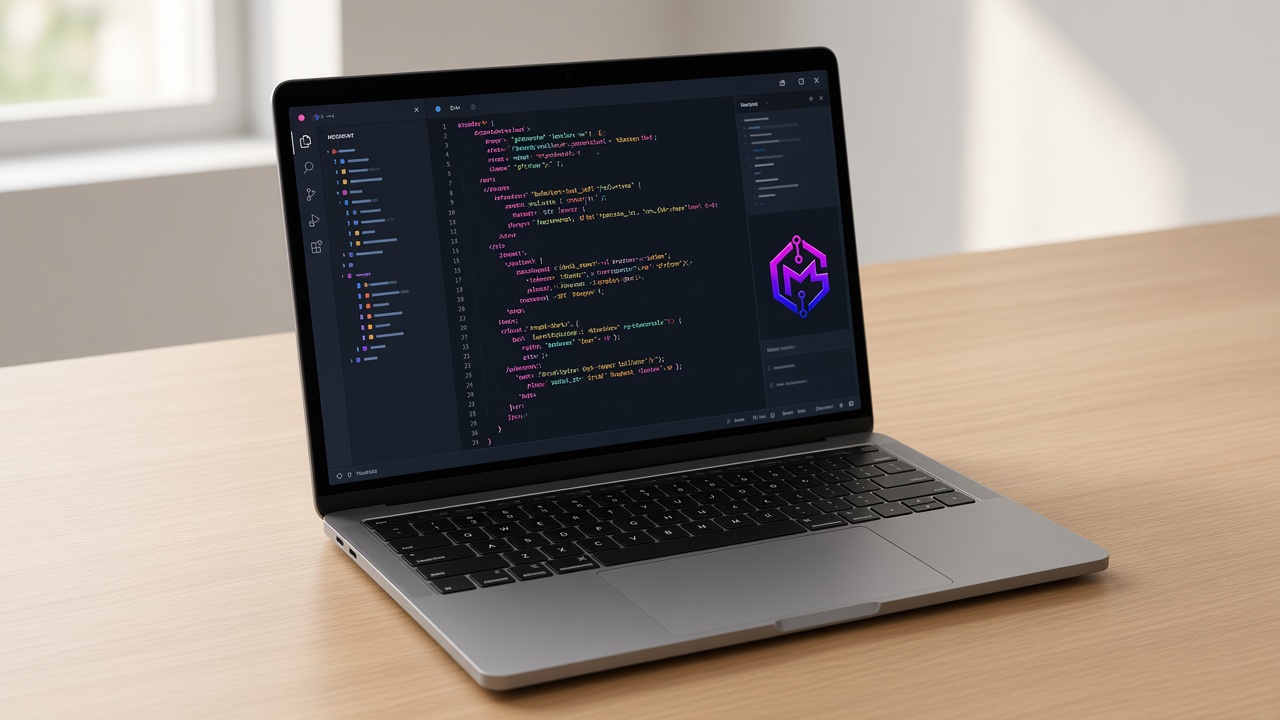
Testing
Plenty of AI editors help you type the software. Almost none of them help you test it in the same place. Teams still jump to a separate tool for the website, another for the API, another for desktop, another for phones, and still more for speed and security. Gyaanmitra is built so development and proof live together.

Agents
Ask Gyaanmitra to look at the files and propose a change. Nothing is written until you say yes. When it does edit, you get a diff you can accept or reject. The terminal still asks before a command runs.
How Plan and Act work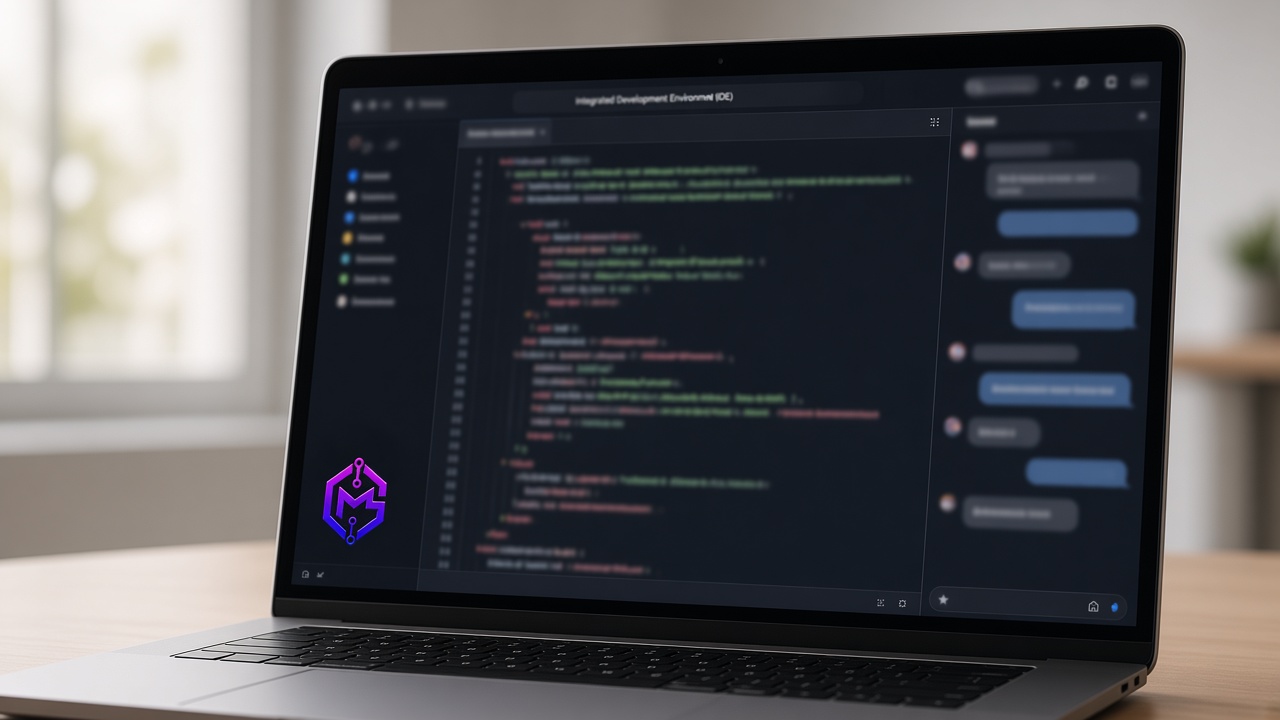
The editor, the model, the terminal, and the browser already share a workbench. You should not have to assemble that from five extensions.
IntelliSense, multi-cursor editing, and the languages you already use.
Plan a change with your own model key. Switch providers when the job changes.
Diffs you accept. Commands that wait for you.
Open the site in the built-in browser and see whether the change holds.
Paid plans meter the AI. The workbench itself stays free, and these prices hold until Gunamaya runs its own models.
You can still just write code. The agent is there when you want it, and quiet when you do not.
Ask about the file you are in, without opening another app.
Stage, commit, and switch branches without leaving the editor.
The shell you already use, in a panel under the code. It still asks before it runs.
A real Playwright browser, docked beside the code, for the app you just built.
Install language tools from Open VSX when the built-in set is not enough.
Change the colors, the layout, and the shortcuts until the editor feels like yours.
The command palette and keybindings cover the daily moves.
The model is yours. Conversations stay on the machine you are using.
JavaScript, TypeScript, HTML, CSS, JSON, and Markdown are ready when you open a file. Python, Java, C#, C++, PHP, PowerShell, and YAML come in through extensions.
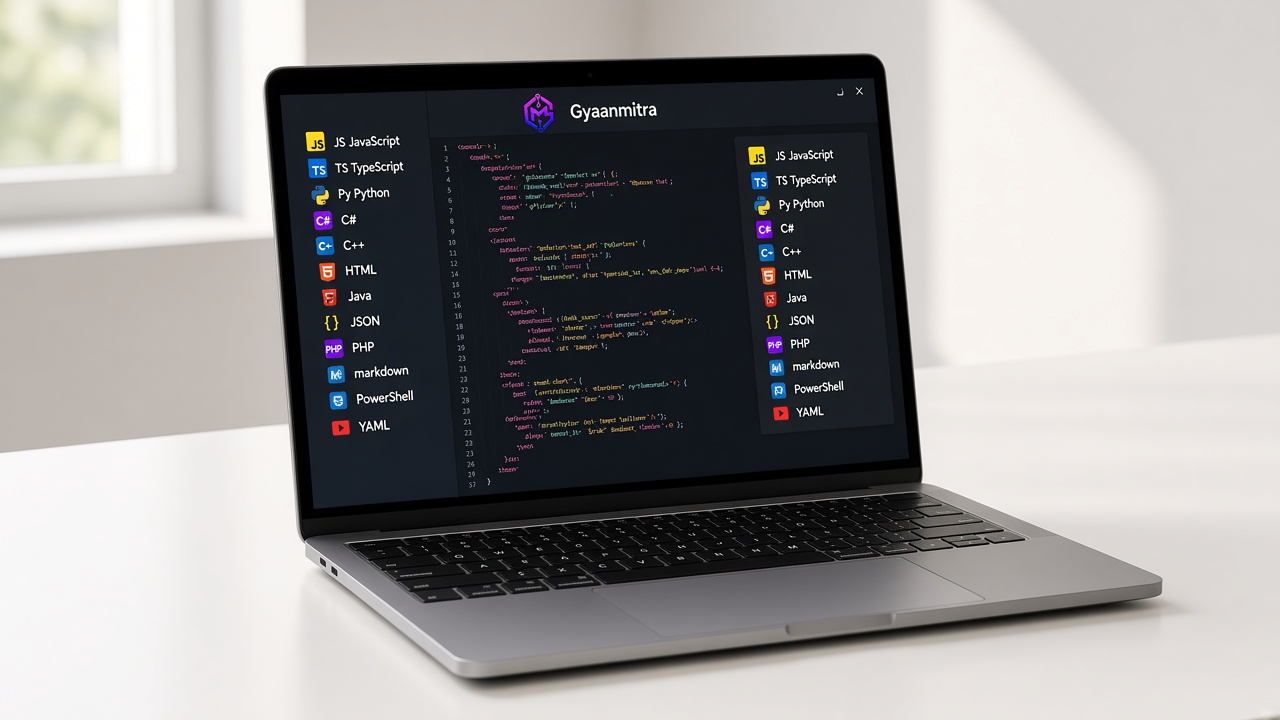
Native builds, including Arm. The same editor, on the machine where the software has to run.